Pro Football ScoreboardWiFi pro football scoreboard
from $114.99
Buy on Etsy (opens in a new tab)A desk clock that turns into a scoreboard.
Most of the time it sits on a desk as a clock, and every few seconds it switches to something about your club: when they play next, how the season is going, who is hurt, what the sportsbooks have posted and where they sit in the division. Then it goes back to the clock on its own.
At kickoff the screen switches itself to the game and stays there: score, quarter, game clock, timeouts, the drive play by play, and a strip of field showing the line of scrimmage and the line to gain. When the game ends, it waits long enough to be sure it is really over, then goes back to keeping time.
This one ships as a beta edition: everything on this page works today, and the firmware keeps changing as the season continues. Updates arrive over the air on their own.
from $114.99
The final price, shipping and any color choices are on the listing, and checkout stays on Etsy.
Buy on Etsy (opens in a new tab)Checkout happens on Etsy. This opens the Pro Football Scoreboard listing in a new tab.
- No subscription
- Setup in a few minutes, nothing to install
- Free updates over WiFi
- 90-day warranty
ON THE SCREEN
Six of its seventeen screens
The Face
A big clock and the date, your club named on a band across the middle, and the next kickoff underneath.
Next Up
A ticking countdown to kickoff (days, then hours, then minutes and seconds) with venue, time and broadcast.
The Slate
Every game in the league on cards, ordered by interest: your game first, then the red zone, then close and late.
The Board
Game day. Score, quarter, clock, timeouts, and a field strip with the line of scrimmage and the line to gain.
The Drive
The current possession play by play, with explosive gains flagged at the standard coaching thresholds.
The Picture
Both conferences, seeds one through seven, and a bold line drawn between in and out.
The board, in motion
SIMULATIONA demo animation of the game-day scoreboard. On the real device those are the live numbers from your club’s game, down to the ball on the field strip.
THE GOOD STUFF
What it does well
-
One club, all season
Choose any of the 32 clubs at setup, listed by city, and every screen reorganizes around it. You can switch clubs later from the on-screen settings.
-
Game day happens by itself
It switches to the live game at kickoff and returns to the clock afterward. There is no mode to select.
-
Settings on the glass
Hold the screen for about a second and a SETTINGS button appears: switch clubs, change the time zone, pick which screens show, set the brightness or check for an update, all without erasing anything.
-
A demo game on an off day
On any day your club isn’t playing, WATCH A DEMO GAME runs a scripted game of about three and a half minutes through every game-day screen, marked DEMO the whole time. It’s also a quick way to show off the gift on a day with no game.
-
The details other screens skip
Wednesday and Thursday practice participation on the injury report, league-wide roster moves, and the week’s posted lines.
-
Readable across a room
Stadium-style digits, with every club named by its city or abbreviation in letters big enough to read from the couch.
-
Useful in the offseason
Headlines run year-round, the transaction feed peaks in August, and the countdown keeps running all offseason.
SPECS
The fine print, printed large
| Display | 3.5″ color resistive touchscreen, 480 × 320; tap to skip ahead |
|---|---|
| Teams | All 32 pro football clubs, chosen at setup and switchable in the on-screen settings, except during your club’s live game |
| Coverage | Regular season, postseason and preseason, plus year-round headlines and transactions |
| Time zones | Eastern, Central, Mountain, Arizona, Pacific, Alaska, Hawaii, London and Central Europe |
| Brightness | Low, Medium, High, Max or Auto (Auto dims overnight) |
| Orientation | Upright or upside down for a shelf, chosen at setup |
| WiFi | 2.4 GHz networks; a normal WPA2 home password is fine. Not 5 GHz-only or WPA3-only networks, or ones that ask for a username or send you to a sign-in page |
| Power | 5 V over USB. USB-A to USB-C cable, about 3 feet (36 inches), included; no wall adapter, so it runs from a USB-A phone charger or a computer’s USB-A port |
| Updates | Free over-the-air firmware updates, automatic |
| Size | About 4.2 in wide, 2.35 in tall and 0.72 in deep (about 107 × 60 × 18 mm) |
| Built in | Olive Branch, Mississippi (assembled and tested by hand) |
Choose your enclosure in Black, Blue, Gray, Red or Semi-Transparent (a smoky, frosted shell that shows the electronics inside).
IN THE BOX
- Pro Football Scoreboard unit, fully assembled
- Desktop stand
- USB-A to USB-C cable, about 3 feet (36 inches)
- Stylus (the touchscreen works fine with fingers, too)
No wall adapter is included. The cable’s USB-A plug goes into a USB-A phone charger or a computer’s USB-A port.
SETUP
- Plug it into a USB-A phone charger or a computer’s USB-A port with the included cable.
- Scan the QR code on the screen with your phone’s camera to join the “ProFootball-Setup” WiFi network, or join it by hand. Your phone may warn that it has no internet; that’s expected. If the setup page doesn’t open by itself, open a browser and go to 192.168.4.1.
- Choose your home network, enter its password, then pick your club (they’re listed by city), time zone, brightness, and whether the screen sits upright or upside down.
- Press Save & Restart. The week loads in about a minute.
START OVER
After a move, a new router or a new WiFi password:
- Hold the screen for 5 seconds.
- Keep holding until ERASE EVERYTHING? appears, at about eight seconds. At one second the brightness changes and a SETTINGS button appears, and at three a countdown bar appears; ignore both and keep holding.
- Lift your finger, then tap ERASE. That clears the WiFi, your club, time zone, brightness and screen orientation, and it restarts into setup with “ProFootball-Setup” on the air. CANCEL, or 10 seconds without a tap, keeps everything.
The manual · PDF · Beta edition
Pro Football Scoreboard manual
The full PDF guide to your Pro Football Scoreboard, free to read or keep.
QUESTIONS
The ones that reach my inbox
Is it dead weight in February?
No. Headlines run year-round, the transaction feed peaks in August, and the countdown to the next kickoff keeps running all offseason. Between those screens the Pro Football Scoreboard sits on the desk as a clock with the date and your club’s next kickoff.
What does “beta edition” mean here?
The Pro Football Scoreboard ships as a beta edition: everything on its product page works today, and the firmware keeps changing as the season continues. Updates arrive over the air on their own, so a unit bought now becomes the finished version without anything being sent back.
Can I change clubs later?
Yes. Hold the screen for about a second, tap the SETTINGS button that appears, and choose a new club. The time zone, the screens that show and the brightness are in the same place, and none of it erases your WiFi or anything else. The one exception is during your own club’s live game, when the club can’t be switched.
Do I have to switch it to game mode?
No. At kickoff the Pro Football Scoreboard switches itself to the game, and when the game ends it waits until it’s sure the game is over, then goes back to the clock. There is no mode to select.
What kind of WiFi does it need?
It needs a 2.4 GHz WiFi network, and a normal home password (WPA2) is fine. It can’t join a 5 GHz-only or WPA3-only network, or one that asks for a username or sends you to a sign-in page. The 5 GHz limit comes from the radio chip itself, so no update will change it. On the plus side, 2.4 GHz reaches farther and through more walls than 5 GHz, so it can sit wherever it looks best instead of next to the router.
What happens if a data source changes or shuts down?
I’ll do what I reasonably can to keep your gadget working, and updates arrive over the air on their own. But nobody can guarantee that an outside data feed will exist forever, and most of my gadgets depend on one. The hardware is always yours. The data is for fun and general awareness, not for navigation, emergencies or safety-critical decisions.
Get a Pro Football Scoreboard
The Etsy listing has the final price, enclosure colors and shipping, and checkout happens on Etsy with full buyer protection.
Fine print: this gadget shows live data from outside sources I don’t control. I’ll keep it flowing for as long as I can, and the FAQ explains what that means.
from $114.99
Buy on Etsy (opens in a new tab)MORE FROM THE LAB
Three more from the bench
 live data
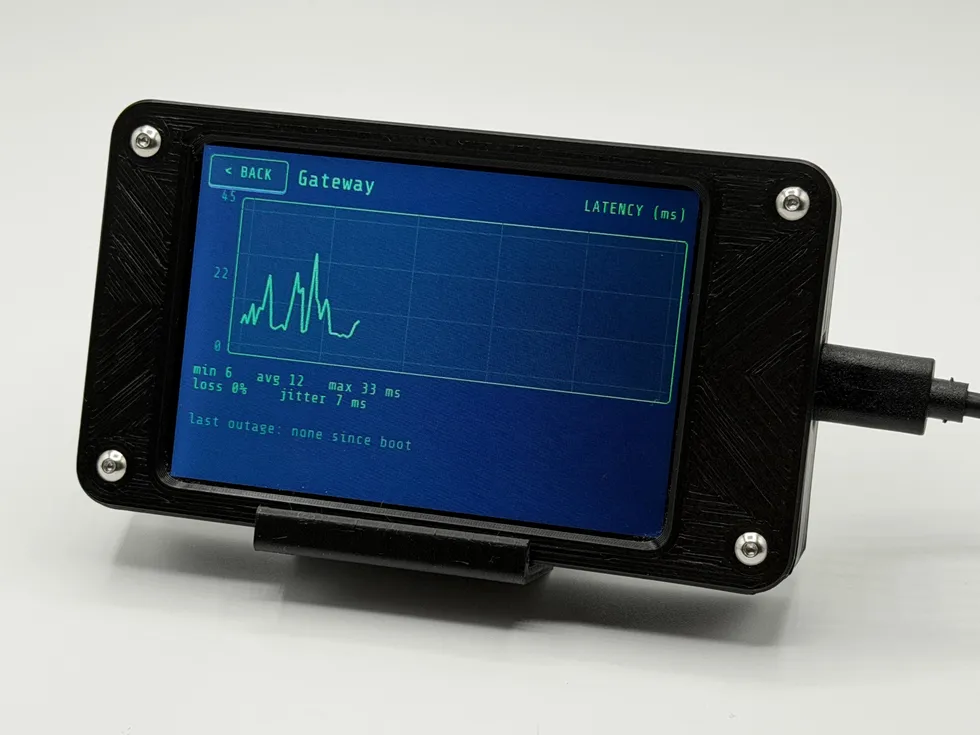
Phosphor
network monitor display
from $114.99
An always-on internet health monitor: live ping, packet loss, jitter, and a plain-English verdict (HEALTHY, DEGRADED, or WAN DOWN) on a retro terminal-style screen.
See the gadget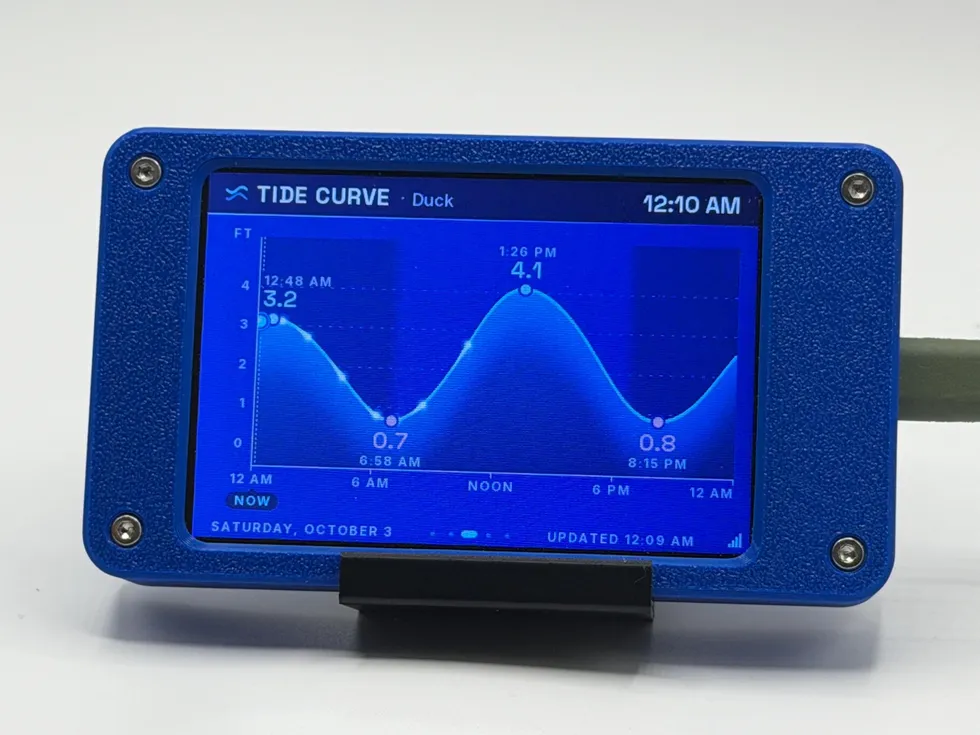 live data
Tide Station
digital WiFi tide clock
from $114.99
Real-time NOAA water levels, the next high and low with countdowns, moon phase, and current conditions where the station reports them, for beach houses, boats and anyone who follows one stretch of coast.
See the gadget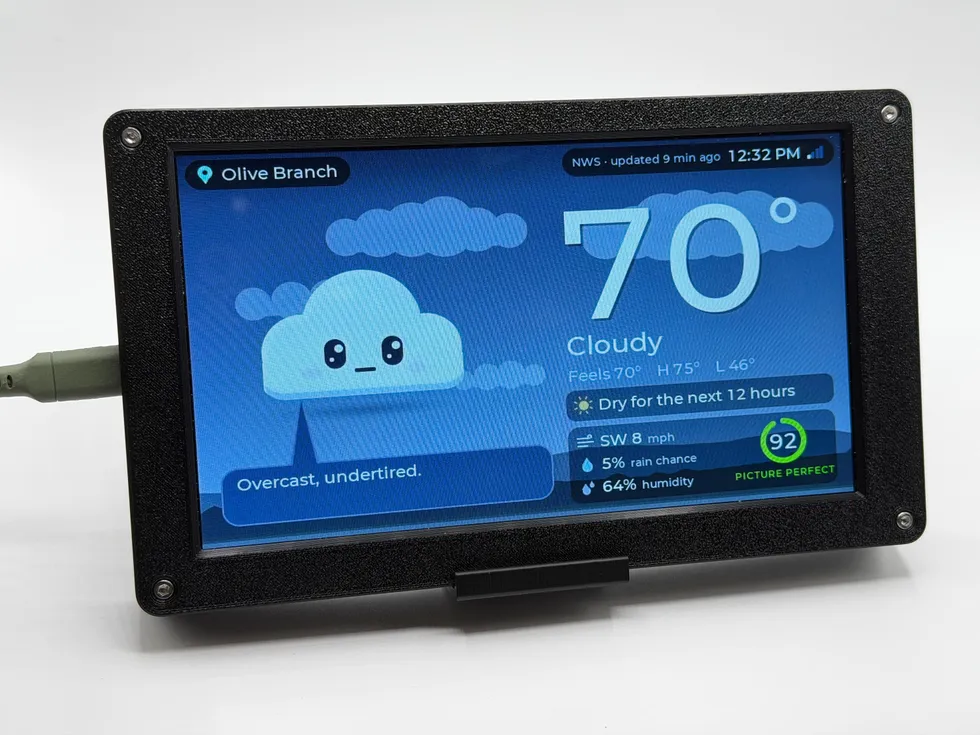 live data
Storm Sentinel PLUS
7-inch touchscreen WiFi weather station
from $199.99
Storm Sentinel on a 7″ touchscreen: eight screens of National Weather Service forecasts, looping NOAA radar and storm outlooks. When a warning covers your location, the whole screen turns that hazard’s color.
See the gadget